Movement#
In this chapter, we’ll set elements in motion — with the help of variables.
Simple Movement#
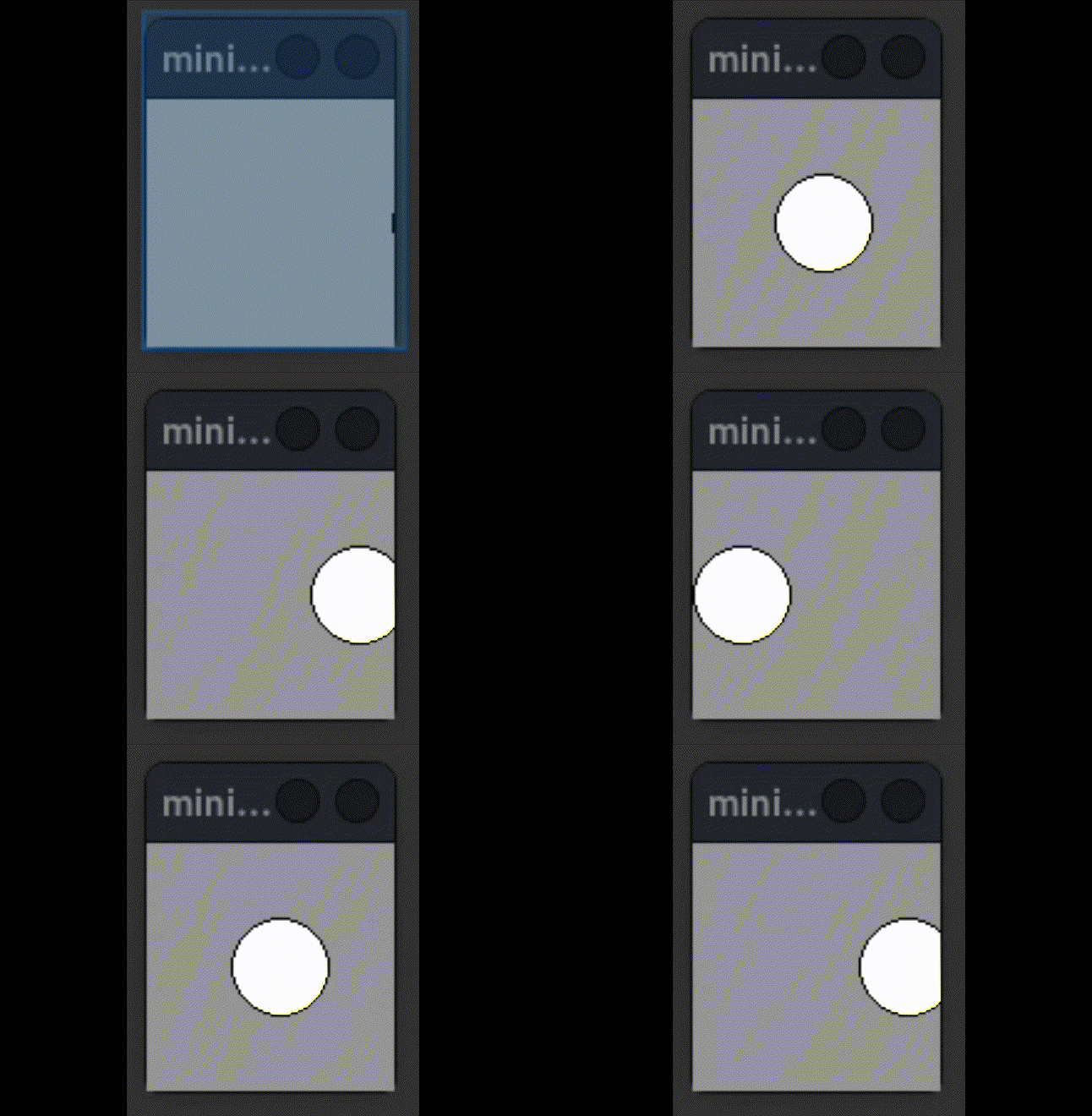
You can create a simple movement by changing the x and y attributes of an object:
from miniworlds import *
import random
world = World(100, 100)

c = Circle((0, 50), 20)

@world.register
def act(self):
    c.x = c.x + 1

world.run()
Output:
The Modulo Operator#
The modulo operator is especially helpful for creating repeating movements.
Python supports three types of division:
13 / 3gives the result4.3333…13 // 3gives the integer result413 % 3returns the remainder of the division, in this case1
Since the remainder is never greater than the divisor, we can use it for looping animations:
from miniworlds import *
import random
world = World(100, 100)

c = Circle((0, 50), 20)
x = 0

@world.register
def act(self):
    global x
    c.x = x % 100
    x = x + 1

world.run()
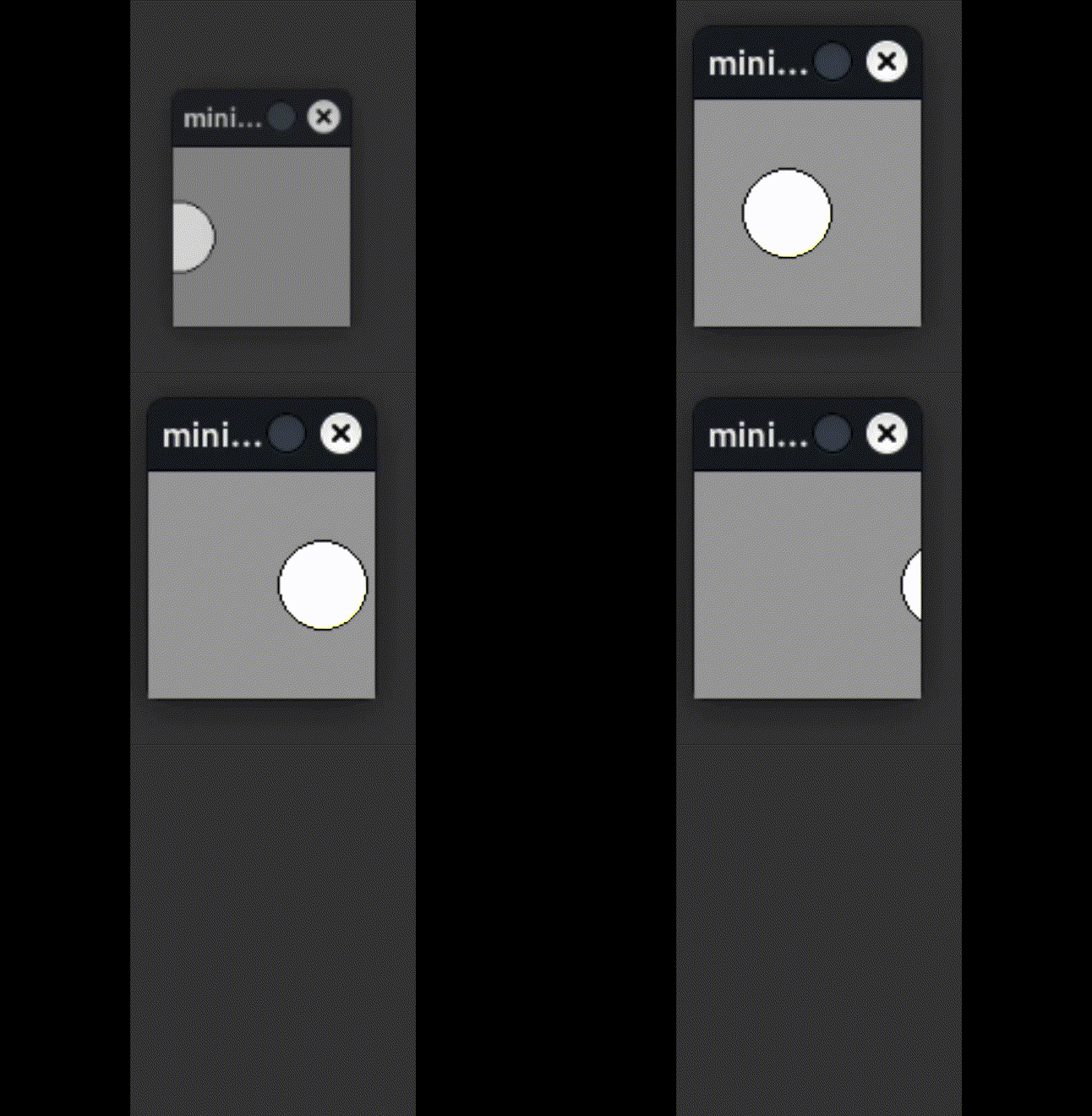
The variable x keeps increasing, but x % 100 always returns a number between 0 and 99.
This makes the circle loop back after reaching the edge.
Output: